Fake Social Media Job Pages: How to Spot Them
Fake Social Media Job Pages: How to Tell a Real Employer Page from a Scam — A General Guide
By MapleLeaf Foods Company | Published 5 November 2026
Fake Social Media Job Pages: How to Tell a Real Employer Page from a Scam
A fake social media job page can look like a real employer. It may use the same name, the same logo, and the same photos. It may post real job titles and real locations. The difference is not in the design. It is in the checks you run before you message the page, share your details, or pay anything.
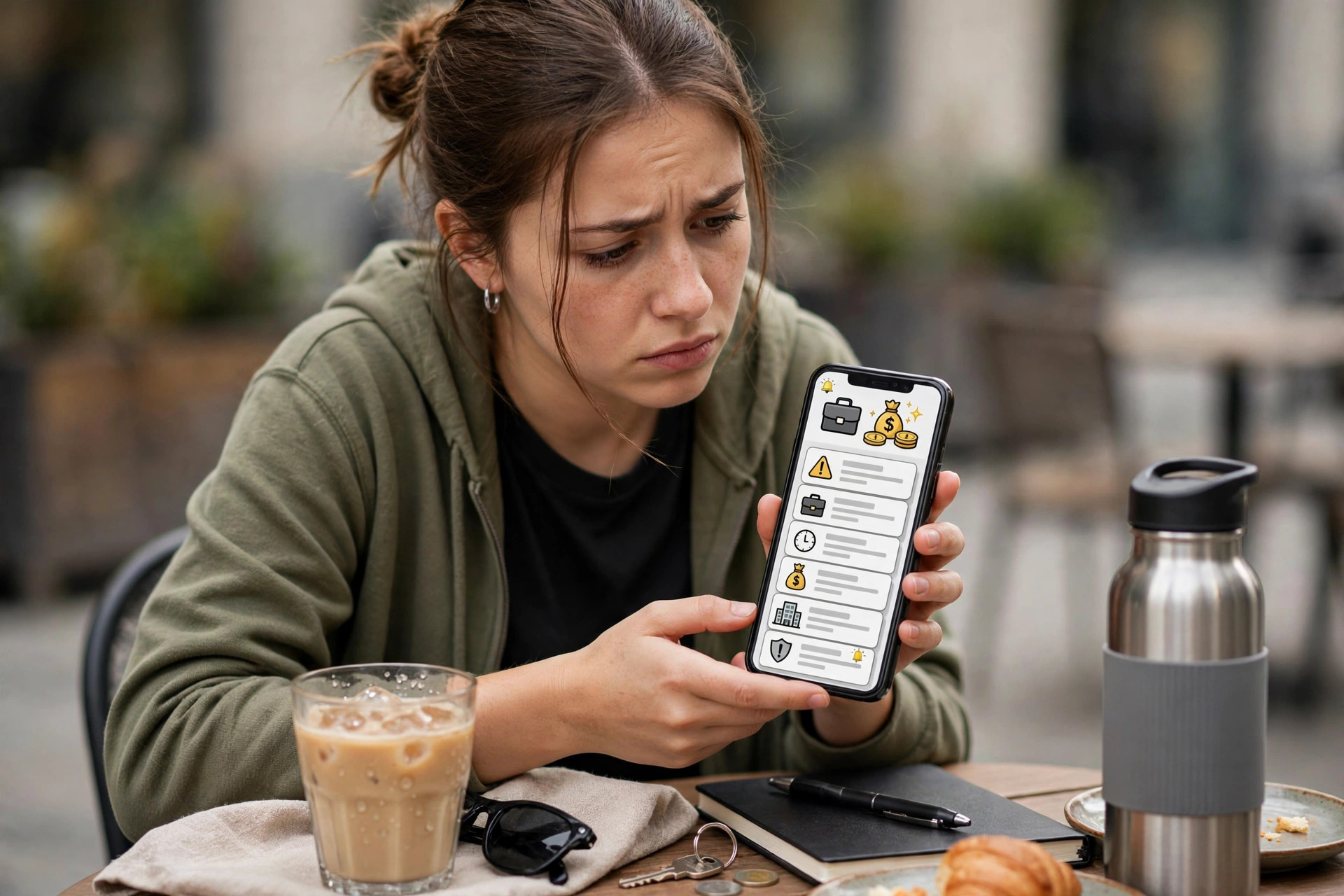
What a Fake Social Media Job Page Is
A fake social media job page is a profile, a group, or a page that pretends to be an employer, a recruiter, or a hiring manager. It may be on Facebook, Instagram, TikTok, LinkedIn, or WhatsApp. It may post jobs, answer messages, and ask you to apply. The page may look professional, with a logo, a cover photo, and many followers. But the person behind it may have no link to the employer. A page is only a page. It is not proof of a job.
Seven Signs of a Fake Social Media Job Page
1. No real business address. A real employer usually lists a real address, a real website, and a real phone number. A fake page may list only a WhatsApp number, or no contact details at all.
2. No real website. A real employer has a website that matches the page name. A fake page may link to a free website, a short link, or no website at all. Check the website address. If it does not match the employer name, stop.
3. New page, many followers. A page that was created last week but has thousands of followers is a warning sign. Followers can be bought. Check the page creation date, the first post, and the comments. A real employer page usually has a history of posts, photos, and replies.
4. Jobs that are too good to be true. A fake page may offer a high salary, free housing, free flights, and no experience needed. A real employer states the salary, the hours, and the requirements clearly. If the offer sounds too good to be true, it probably is.
5. Messages that ask for personal details. A fake page may ask for your passport copy, your bank details, or your password in a private message. A real employer does not ask for these details in a chat. Never share personal details with a page you have not verified.
6. Pressure to act fast. A fake page may say that only a few places are left, that you must apply today, or that the job will be gone tomorrow. Pressure is a tactic. A real employer gives you time to check the offer and to ask questions.
7. No official email address. A real employer uses an official email address, for example with the company domain. A fake page may use a free email address, a personal email, or no email at all. Check the email domain. If it does not match the company, stop.
How to Check a Social Media Job Page
Before you trust a social media job page, check it through official channels. First, search for the employer name on the official website of the company, not on social media. Second, check whether the page links to the official website, and whether the website links back to the page. Third, check the page creation date, the first post, and the comments. Fourth, check whether the employer has a real address, a real phone number, and a real email domain. Fifth, contact the employer through the official website or the official phone number and ask whether the job is real. If any check fails, do not message the page and do not share details.
What to Do If a Page Asks for Money
If a page asks for money, stop. A real employer does not ask for money before a job. A fee for a work permit, a visa, or a medical check is paid through an official route, not to a person on social media. Do not pay by a personal bank account, a mobile money transfer, a gift card, or a cryptocurrency wallet. Keep every message, screenshot, and payment record. Report the page to the social media platform and to the police or the relevant authority in your country.
What to Do If You Have Already Shared Details
If you have already shared personal details, act quickly. Change your passwords. Contact your bank and ask whether your account needs to be checked. Keep every message and screenshot. Report the page to the social media platform and to the police or the relevant authority. You can also read about fake job offer letters and fake recruitment agents to check the rest of the offer. Do not reply to the page again.
How to Find a Real Employer on Social Media
A real employer on social media usually has a verified page, a link to the official website, and a history of posts. The page usually replies to comments and messages in a professional way. The jobs posted on the page usually match the jobs on the official website. If a job is real, it is usually listed on the official website as well. Check the official website first, and use social media only to learn more about the employer.
Five Checks Before You Message a Page
Check the page creation date and the first post. A new page with many followers is a warning sign.
Check the official website. A real employer has a website that matches the page name. If the website does not match, stop.
Check the contact details. A real employer lists a real address, a real phone number, and an official email domain. A fake page may list only a WhatsApp number.
Check the job details. A real job states the salary, the hours, and the requirements clearly. If the offer is vague or too good to be true, stop.
Contact the employer through the official website. Ask whether the job is real and whether the page is official. If the employer does not confirm the page, do not message it.
Scam Protection: Rules to Follow Before You Trust a Page
- Never share personal details with a page you have not verified.
- Never pay a fee through social media, a personal bank account, or a gift card.
- Always check the employer through the official website, not through social media.
- Always check the page creation date and the first post before you trust a page.
- Always contact the employer through the official website or the official phone number.
- Never act under pressure. A real employer gives you time to check the offer.
- If a page cannot be checked, do not trust it. Stop and seek advice from an official source.
Frequently Asked Questions
How can I tell if a Facebook job page is real?
Check the page creation date, the first post, and the comments. Check whether the page links to the official website, and whether the website links back to the page. Contact the employer through the official website or the official phone number and ask whether the job is real. If any check fails, do not message the page.
What if the page has many followers and positive comments?
Followers and comments can be bought or faked. A page with many followers is not proof of a real employer. Check the page creation date, the first post, and the official website. Contact the employer through the official website and ask whether the page is official.
What if the page asks for a fee for a work permit or a visa?
Do not pay. A fee for a work permit or a visa is paid through an official route, not to a person on social media. Keep every message and screenshot. Report the page to the social media platform and to the police or the relevant authority.
Note: A page that asks for money or personal details in a private message is a warning sign, even if the page looks real.
What if I have already paid a fee to a page?
Stop paying. Keep every message, receipt, and bank record. Contact your bank or payment provider and ask whether the payment can be traced or stopped. Report the page to the social media platform and to the police or the relevant authority and keep the reference number.
Can a real employer contact me through social media?
Yes, a real employer may contact you through social media, but they will not ask for personal details, money, or passwords in a chat. They will direct you to the official website or to an official email address. Always check the employer through the official website before you reply.
For more guidance, read about fake job offers, police clearance and medical checks by destination, and the articles section for more guidance. If you have checked the employer through official channels, explore current guidance roles on the jobs page and learn more about visa sponsorship. Take your time, and never share personal details with a page you have not verified.
Apply Now
Apply Now: If you decide to apply through this site, use the Apply Now option on the Jobs page and follow the steps shown there. Do not send passport copies, bank details, passwords or payments by email or chat to an unverified contact.
Disclaimer: This article is general information only. It is not legal or immigration advice, or a guarantee of a job, visa, or sponsorship. Hiring methods, licence rules, and immigration requirements vary by country, employer, and programme, and they change over time. Final decisions rest with the employer and the destination government. Check the current official pages before you act. Maple Leaf Jobs is an independent jobs guidance service. It is not affiliated with, endorsed by, or the official careers site of Maple Leaf Foods, a food company.