eMigrate Registration for Indians Going to Gulf Jobs: Step-by-Step Guide
eMigrate Registration for Indians Going to Gulf Jobs: Step-by-Step Guide
By MapleLeaf Foods Company | Published 9 November 2026
Published 9 November 2026
If you are an Indian worker heading to a job in the Gulf — Saudi Arabia, the UAE, Qatar, Oman, Kuwait or Bahrain — you have probably heard of eMigrate. It is the Government of India's online system for emigration clearance, and for many workers it is a required step before flying out for work. Yet many first-time workers are confused about who needs it, what documents are required, and how the process works.
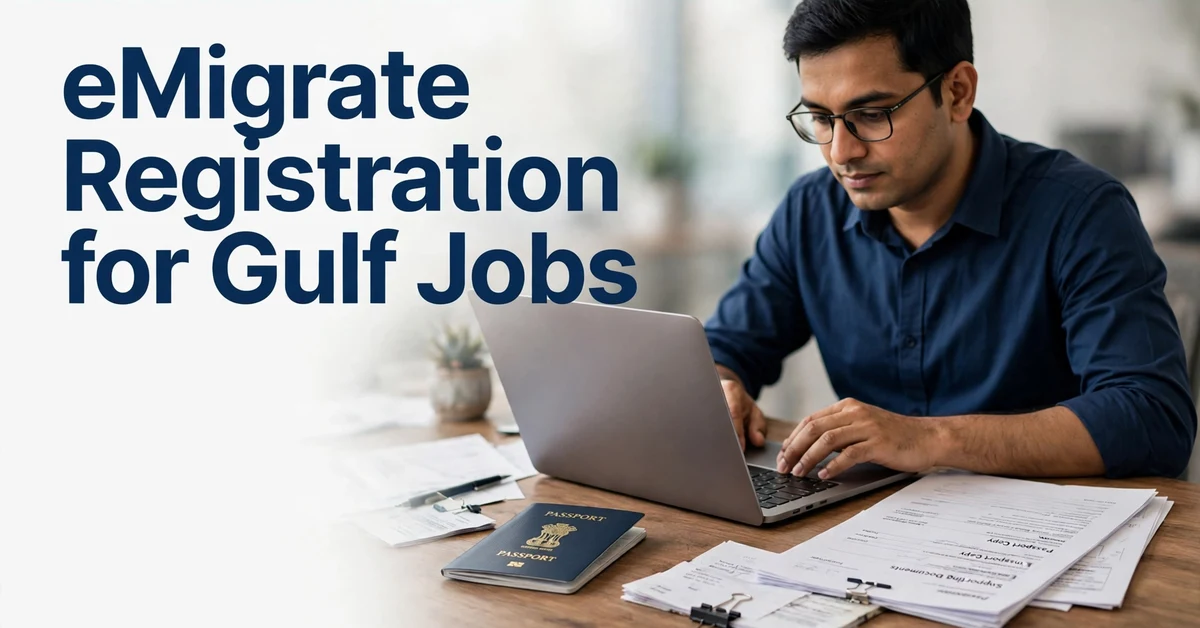
This guide explains eMigrate registration step by step, in plain language, so you know what to expect and what to check before you travel.
What Is eMigrate?
eMigrate is the online portal run by the Protector General of Emigrants (PGE), under India's Ministry of External Affairs. Its purpose is to protect Indian workers going abroad for employment by recording their job details, verifying the foreign employer and the recruiting agent, and making sure workers travel with proper documentation.
Through the portal, workers can register, apply for emigration clearance where required, and check the status of their application. Recruiting agents and foreign employers also use the system, and only registered agents are permitted to recruit for certain categories of work.
Who Needs Emigration Clearance?
Whether you need emigration clearance depends on your passport category and your destination:
- ECR passport holders (Emigration Check Required): If your passport carries an ECR stamp, you generally need emigration clearance before taking up employment in notified countries, which include the Gulf states. This category typically applies to workers who have not completed a certain level of formal education.
- ECNR passport holders (Emigration Check Not Required): If your passport carries ECNR status, emigration clearance is generally not required for employment abroad, although registration on the portal may still be useful.
If you are unsure which category your passport falls into, check the stamp or endorsement page in your passport, or check with the nearest Protector of Emigrants office. Do not rely on an agent's word alone for this — it is a simple thing to verify yourself.
Documents You Will Usually Need
The exact list can vary by case, but workers commonly need:
- A valid Indian passport
- The employment contract or job offer from the foreign employer
- A valid work visa for the destination country
- Educational certificates (if applicable)
- Photographs as per the specified format
- Details of the recruiting agent, if one is involved — including the agent's registration number
Keep original documents and clear copies ready before you begin. See our documents checklist for a general list of papers every overseas job seeker should prepare.
Step-by-Step: How eMigrate Registration Works
Step 1: Visit the Official Portal
Go to the official eMigrate website (emigrate.gov.in). Only use the official government portal. Do not use lookalike websites or links sent to you by unknown people on WhatsApp or social media.
Step 2: Create Your Account
Register as a worker (emigrant) using your personal details, passport number and a working mobile number and email address. You will receive a login ID and password — keep these safe and do not share them with anyone.
Step 3: Fill In Your Employment Details
Enter the details of your job: the employer name, the country, the job title, the contract terms and the recruiting agent (if any). Be accurate. Incorrect details can delay clearance or create problems later.
Step 4: Upload Documents
Upload the required documents in the formats specified on the portal. Make sure scans are clear and readable. Blurred or incomplete uploads are a common cause of delays.
Step 5: Submit and Track Your Application
Submit the application and note your application reference number. You can log in later to check the status. If the Protector of Emigrants office raises a query, respond to it promptly with the correct document.
Step 6: Receive Clearance
Once approved, emigration clearance is granted and linked to your passport record. Keep a printout and a digital copy with your travel documents.
What About the Recruiting Agent?
If you are going through a recruiting agent, the agent must be registered on eMigrate. You can check an agent's registration status on the portal itself before paying any fee or handing over documents. This is one of the most important checks you can do.
Our guide to checking an agent's licence by country explains the verification steps in more detail, and our overview of Indian workers in the Gulf, UAE and Saudi Arabia covers the wider picture of Gulf employment.
A registered agent does not guarantee you a job or a visa. Registration means the agent is licensed to recruit; the hiring decision still rests with the employer, and the visa decision rests with the destination country's authorities.
Common Problems and How to Avoid Them
Wrong portal or fake website: Only use emigrate.gov.in. Fake sites may ask for payment or personal details. The official process is through the government portal and the Protector of Emigrants offices.
Incomplete documents: Missing or unclear documents are the most common reason for delays. Prepare everything before you start.
Agent asks for your login: Never share your eMigrate login ID or password with an agent. Your account is yours. If an agent insists on controlling your account, treat that as a warning sign.
Pressure to pay quickly: If someone pressures you to pay a large fee immediately to "complete eMigrate today," slow down and verify the details independently first.
Job offer does not match the contract: The job title, salary and conditions in your eMigrate application should match the contract you signed. If they differ, ask questions before proceeding. Pay is to be confirmed with the employer during recruitment — never accept a salary figure quoted only in a chat message.
After Clearance: Before You Fly
Once clearance is granted:
- Confirm your visa is valid and matches your job and employer.
- Keep copies of your contract, clearance, visa and passport in both paper and digital form, and leave a set with a family member.
- Note the contact details of the Indian embassy or consulate in your destination country.
- Read the pre-departure guidance on the eMigrate portal, which covers your rights as a worker and what to do if you face problems abroad.
You can also review current guidance roles on our jobs page, and if you are ready to apply for a role listed with us, use our apply page.
Scam Protection
- Never share full passport details, a passport copy, bank details, passwords or OTPs with anyone unverified.
- Verify the employer and any agent's licence through official channels first.
- Never pay a fee just because someone promises a guaranteed job or visa.
- Never send money to a personal bank account.
- Never share your eMigrate login credentials with an agent or any third party.
- Verify any job offer letter independently — see our guide to fake job offer letters.
Frequently Asked Questions
Is eMigrate registration mandatory for all Indians going to the Gulf?
It depends on your passport category. ECR passport holders generally need emigration clearance for employment in notified countries including Gulf states. ECNR holders generally do not need clearance, but should still check the current rules before travelling.
How long does emigration clearance take?
Processing time varies depending on the completeness of your application and the workload of the Protector of Emigrants office. Submitting complete, clear documents helps avoid delays, but no one can guarantee a fixed timeline.
Can I register on eMigrate myself, or must an agent do it?
You can register yourself on the official portal. An agent is not required to complete your registration, and you should never hand over your login credentials to anyone.
How do I check if my recruiting agent is registered?
Use the agent search or verification feature on the official eMigrate portal (emigrate.gov.in). If the agent does not appear as registered, do not proceed with them until the position is clarified through official channels.
What should I do if my eMigrate application is rejected or queried?
Read the reason given on the portal carefully, correct the document or detail concerned, and resubmit. If you do not understand the reason, contact the Protector of Emigrants office directly rather than paying someone to "fix" it.
No job, sponsorship or visa is guaranteed; final decisions rest with employers and immigration authorities; rules vary by job, employer and programme and change over time — check official government sources before applying.
Apply Now
Apply Now: If you decide to apply through this site, use the Apply Now option on the Jobs page and follow the steps shown there. Do not send passport copies, bank details, passwords or payments by email or message to an unverified person. Apply only through the official route shown on this site, and check the details on the application page before you submit anything.