Fake Employer Emails & WhatsApp Job Messages: Checks
Fake Employer Emails and WhatsApp Messages: How to Check a Job Offer That Arrives on Your Phone — A General Guide
By MapleLeaf Foods Company | Published 5 November 2026
Published 5 November 2026
Most job scams no longer arrive as a printed letter. They arrive as an email or a WhatsApp message, often soon after you post a CV online or apply for a role. The message looks personal, it names a real employer, and it says you have been selected. This guide is about how to read one message like an investigator: check the sender, the domain, the letter, the interview, and the payment — before you reply with documents or money.
These checks need no special software and no legal knowledge, and you can do them on your own phone. This article is general information only. It does not name any real employer as genuine or fraudulent. Rules vary by country, employer, and visa programme, and they change. Check official sources before you apply, share documents, or pay anyone.
Maple Leaf Jobs is an independent jobs guidance service. It is NOT affiliated with, endorsed by, or the official careers site of Maple Leaf Foods, a food company.
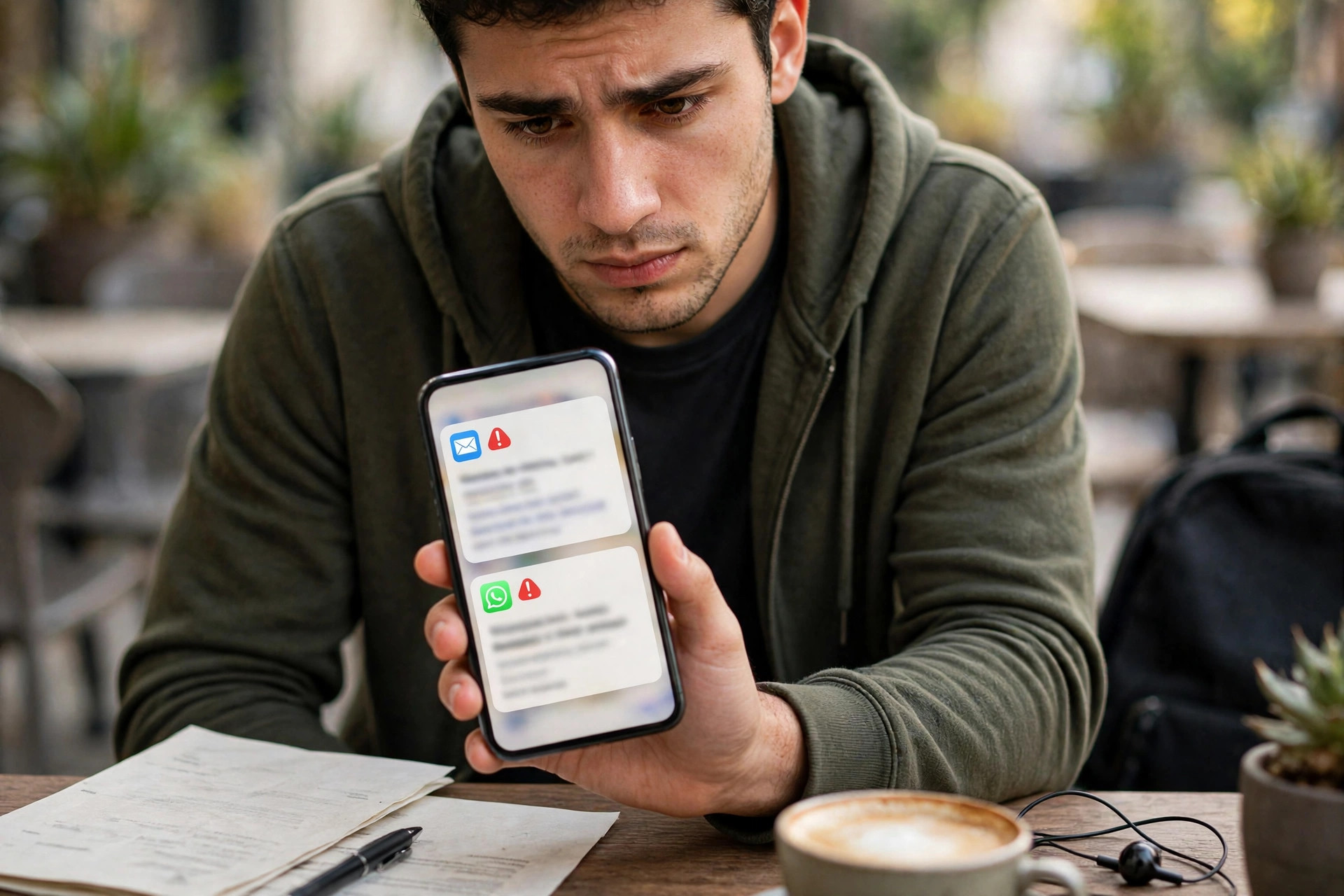
Start with the sender, not the salary
The first thing to read in any job message is not the job title or the pay. It is who sent it. On WhatsApp, tap the sender's profile and look at the number and the display name. A message from a personal mobile number, with no company name in the profile, is not the same as a message from a traceable recruiter. A display name can be typed by anyone in seconds.
On email, look at the full sender address, not just the name shown beside it. A genuine employer usually writes from its own company domain — the part after the at-sign that matches the employer's official website. A message claiming to be from a large employer but arriving from a free email service, or a lookalike domain, has failed its first check. Compare the full address letter by letter with the domain on the employer's official website, which you should open yourself.
Note whether the message warns you not to contact the company directly. A genuine employer expects you to verify a vacancy. A scammer needs you not to.
Read the domain and the links like a label
A link in a job message is not a destination you should trust on sight. Before you tap it, press and hold it on your phone and read the full address it points to. Does the domain match the employer's official website exactly, or is it a close imitation with an added word such as careers or jobs? Does it lead to a page that asks for a password or a bank detail before you have verified who runs the site?
Shortened links hide the real destination until you tap them. If the only way to see the job is through a link sent by the recruiter, stop and find the vacancy yourself on the employer's own website. An offer letter sent as a photograph should be treated as unverified until you have checked the sender and the employer independently.
The message itself: language, detail, and pressure
Fake employer messages often share a style, even when the employer name and the job change. The language is warm and flattering at first — you have been selected, your profile is excellent — and then it becomes urgent. You are told there is one seat left, or you must reply within hours. Genuine recruitment for an overseas work permit is a slow, document-heavy process, and a visa decision does not happen in a single afternoon because you replied quickly.
Look at the detail, or the lack of it. A genuine offer names the employer precisely, with a registered address, a contact person, a job title, duties, and contract length. A fake message is often vague on exactly those points, while being very specific about pay and very urgent about a fee. Watch for a job title that changes between messages, and for a salary quoted as one large figure with no breakdown.
The interview that is not an interview
Many fake employer messages move quickly to an interview, but the interview is not a real assessment. It may be a short chat on WhatsApp, a few typed questions with no voice or video call, or a call from a number that cannot be called back. You may be asked no questions about your skills or experience, and instead be told that you have passed and that the next step is payment. A genuine employer interviews to assess fit.
Ask what was actually assessed. Did anyone ask about your work history or qualifications? Did you speak to a person whose name and role you can verify? If the interview assessed nothing and approved everything, it was not an interview. It was a step in the payment sequence.
A real application may ask for your name, contact details, work history, and qualifications. It does not need your banking password, a one-time code, your bank card details, or your original documents at the first-message stage. If an interviewer asks for any of those, stop.
The offer letter on your phone: what to check line by line
When an offer letter arrives by email or WhatsApp, do not read it as a finished fact. Read it as a claim to be checked. First, check the employer details on the letter against the employer's official website: the full legal name and the registered address. Search for the job title and location on the employer's own careers page. If the job does not appear anywhere except in the recruiter's message, treat the offer as unverified, however professional the letter looks.
Second, check the terms on the letter. Does it state duties, working hours, contract length, and who pays for visa, medical, and travel costs? Or does it state only a large pay figure and a demand for a fee? Does the letter name a person who signed it, with a role you can verify? A letter with no verifiable signatory, no address, and no terms is not an offer.
Third, check what the letter is presented as. A job offer letter is not itself a work permit, and a certificate of sponsorship is not itself a visa. Each document is one step in a sequence, and for many work routes the employer must act first. For more on what sponsorship usually means, see Visa Sponsorship. For offer-letter warning signs, see How to Spot a Fake Job Offer, and for contract wording that should make you pause, see Contract Red Flags.
A quick verification routine for any message
Do these checks in order, before you reply with documents or money. First, check the sender against the employer's official domain. Second, find the vacancy yourself on the employer's own website, without using a link from the message. Third, check any recruiter named in the message on the official licence register for his country, as explained in Agent Licence Check by Country. Fourth, read the offer letter for employer details, terms, and a verifiable signatory, and confirm that the job fits a real visa route. Fifth, confirm any payment in writing, to a registered organisation, against a proper receipt. If any step fails, stop and seek independent advice. Genuine employers can withstand verification.
Scam protection: check before you share or pay anything
Never share full passport details or a passport copy, bank details, passwords, one-time passwords or codes, or original documents with an unverified or fake person. Share documents only through a verified channel, only when you know who is receiving them and why.
Verify the employer and the agent licence first, via official channels. Use the employer's own official website to confirm the job and the employer, and use the official government register to confirm any agent's licence. Do not rely on a screenshot, a forwarded message, or a document the sender himself provides as your only proof.
Never pay for a guaranteed job or a guaranteed visa. No employer message, recruiter, or intermediary can guarantee a government visa decision. Never send money to a personal bank account or by an untraceable method. A legitimate payment should go to a registered organisation, for a named service, against a proper receipt. Pause immediately if there is urgency, secrecy, or a request for passwords, codes, or banking details. If anything feels rushed or secret, stop, verify independently, and seek advice before proceeding.
Frequently Asked Questions
How can I tell if a WhatsApp job message is from a real employer?
Check the sender's number and profile, then find the vacancy yourself on the employer's own official website without using a link from the message. If the job cannot be found there, treat the message as unverified.
Does a company email address prove a job offer is genuine?
No. A sender name can be faked, and a domain can be imitated with an extra letter or a different ending. Read the full sender address and compare it letter by letter with the domain on the employer's official website.
Should I open an attachment or tap a link in a job message?
Be cautious. Press and hold a link to read its full destination before tapping it, and do not open an attachment or install an app because a recruiter tells you to.
Is a short WhatsApp interview enough to prove I have a job?
No. A genuine employer interviews to assess your skills and experience, with a verifiable interviewer. A short chat that asks almost nothing about the job and ends with a payment demand is not a real interview.
What should I do if I already replied to a fake employer message?
Stop replying, save screenshots of the message and the sender details, and do not send more documents or money. Contact your bank promptly if you paid anything, and report the matter to the police and to the platform.
Apply Now
If you would like guidance on a listing, explore Jobs and read related guides on Articles — this guide itself does not submit any application, and no job, visa, or approval is promised.
Disclaimer: This article is general information only. It does not guarantee a job, visa, salary, employer, sponsorship, or approval. Rules vary by country, employer, and visa programme, and final decisions rest with the employer and the government of the destination country. Check official sources before applying, sharing documents, or paying anyone.